
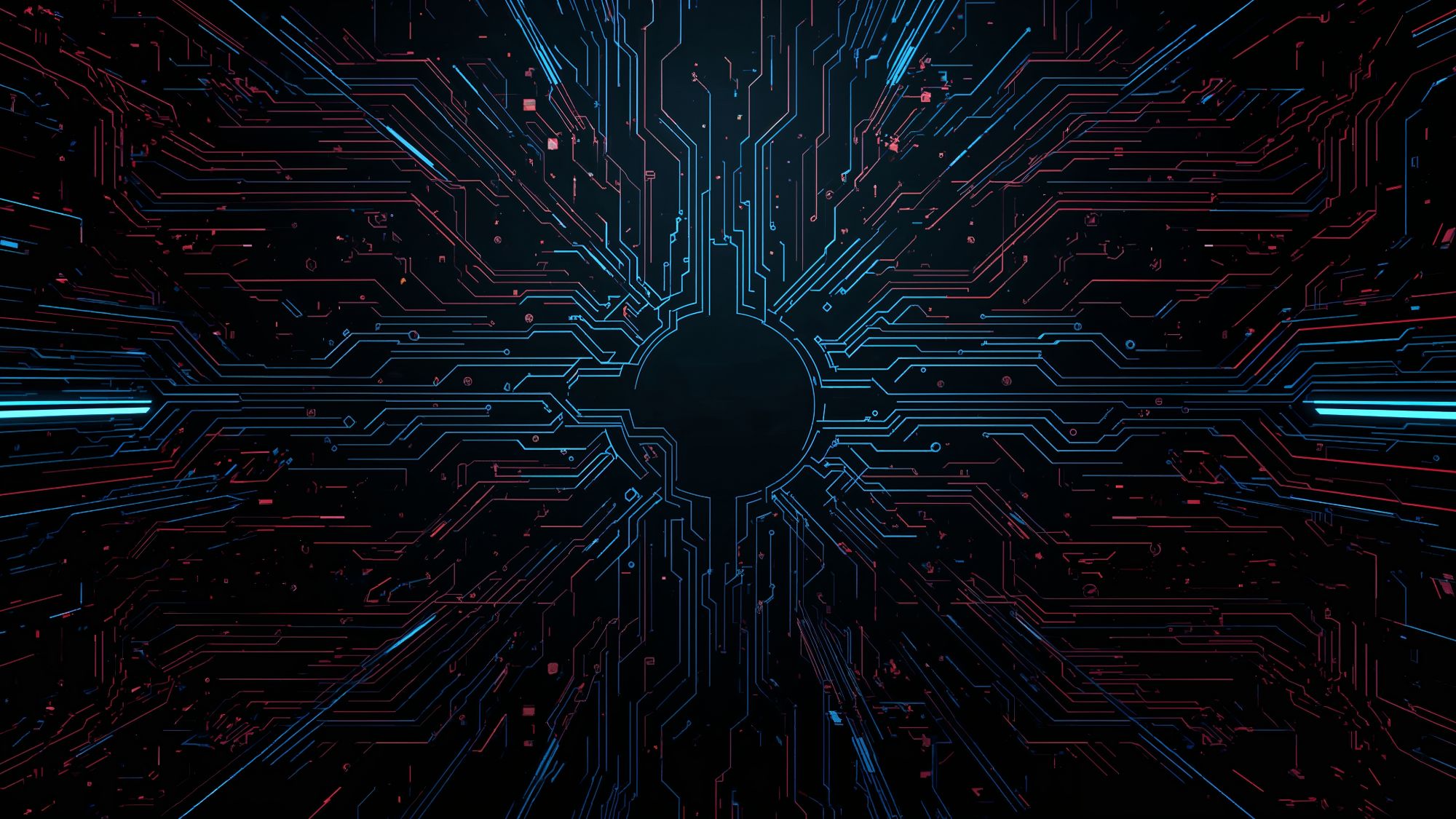
Black Wallpaper Free Download (iPhone, Mobile, Desktop HD)


Get free black HD wallpaper for your iPhone, Android phone, and desktop. we have different types of black background for you.You don’t need to sign up to get a sleek, bold, and minimalist dark look from our high-resolution collection right now!
Why Choose Our Black Wallpapers?
Our curated collection offers high-resolution, classy black wallpapers that are always free and safe to download. We make it simple: Just click your favorite design and save the HD black wallpaper straight to your device.we have more wallpapers types in one place and totally FREE without any fees.
100% Free HD Quality: Every single image is a free download delivered in stunning high-resolution quality. Whether you need a crisp look for a 4K desktop monitor or a sharp image for your new iPhone or Android mobile device, we ensure the best visual clarity.
Curated for Style: We offer more than just solid black! Our gallery includes abstract textures, smooth gradients, subtle patterns, and minimalist dark themes, ensuring you find the perfect sophisticated style for your screen.
Secure & Easy Google Drive Access: We use Google Drive for all our downloads. This provides a safe, reliable, and virus-free environment, guaranteeing you get the original, uncompressed HD file instantly—no slow servers, no hidden fees, and no sign-up required!
Benefits: Choosing a true black wallpaper is great for devices with OLED or AMOLED screens, like many modern iPhones and Androids. These backgrounds help reduce power consumption, subtly extending your battery life while looking incredibly sleek.
How to Download our Black Wallpaper
We want to make it as quick and easy as possible for you to download your new screen background! We store all of our high-resolution black wallpapers safely on Google Drive so that you always get the original, full-quality HD file.
There are three quick steps to getting your free black wallpaper on your device: Choose Your Favorite: To download a black wallpaper image from our gallery above, just click on it. This will safely open the image file in a new window or tab in Google Drive.
Find the Download Icon: You should see a Download icon (usually an arrow pointing down) in the upper right corner of the Google Drive window.
Hit this icon. Set and Save: Your computer or mobile device’s default download folder will automatically get the HD file. Once you’ve saved the picture, you can use it as the background on your iPhone, Android, or desktop. You don’t have to sign up, and it’s completely free. You’ll always get the best black wallpaper in HD quality!